
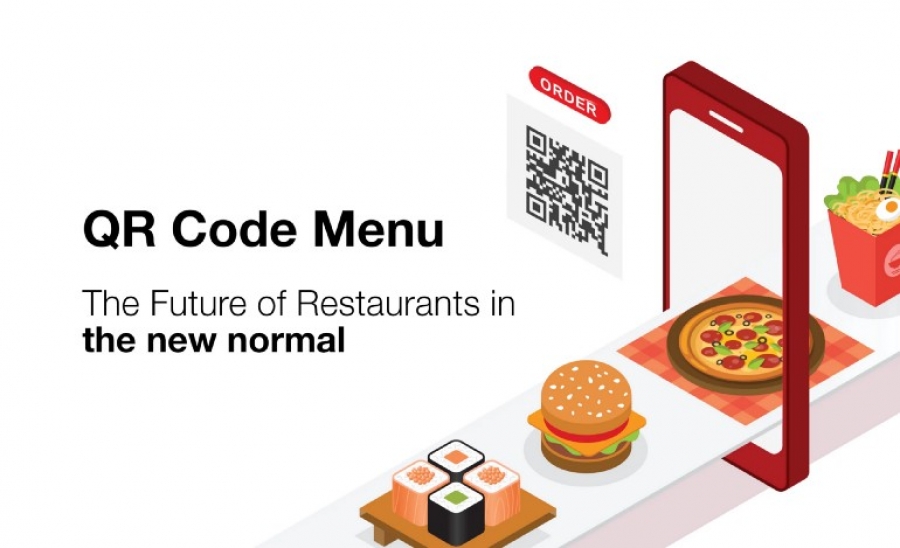
How to Make Your Restaurant or Bar Menu in a QR Code?
Ever wondered how to create a menu QR code for your restaurant or bar? The emergence of “no-touch” menus through scanning QR codes has been skyrocketing globally among restaurants and bar industry.
To fight off the COVID-19 pandemic disease, restaurant owners have opted to go digital to ensure customers’ safety as they get back to their operations.
Now that bars and restaurants have resumed in the Post COVID 19 lockdown, changes in the usual operations have also changed.
Regulations have been made when it comes to dine-in accommodation, and social distancing practice continues to be observed among these businesses to avoid virus contraction.
One way restaurants and bars are safely reopening is by transforming their menus contactless to mitigate virus spread that goes through multiple hand menu exchanges that can potentially cross-contaminate.
The emergence of “no-touch” menus through QR codes
has skyrocketed globally. Don’t get left behind.
QR Code menus are digital menus that allow diners to scan and access the digital menu that will be displayed on their smartphone devices once scanned.
To ensure safety among guests and employees, the National Restaurant Associations is encouraging restaurants for contactless menus and ordering systems to communicate and conduct business with reduced need for close contact.
QR codes menus are generated using a eMenu online, and there are also menu solutions that you can create for your ‘no-contact’ menu.
There is no particular time when this pandemic will be over. And even as we move forward beyond this global crisis, indefiniteness may become our new normal.
As restaurants are slowly reopening in different parts of the globe, strict guidelines and measures, like generating a menu QR code for a contactless interaction, have been implemented amidst our continuing battle with the pandemic.
Moreover, technology advances like QR codes do not require a high-cost, which makes them practical to use.
